Print your own Japanese flashcards, free
The 1000 most common Japanese words, turned into real cards you print at home. Kanji on the front, reading and translation on the back.
🎴 Open the free tool →No account · no payment · works in your browser
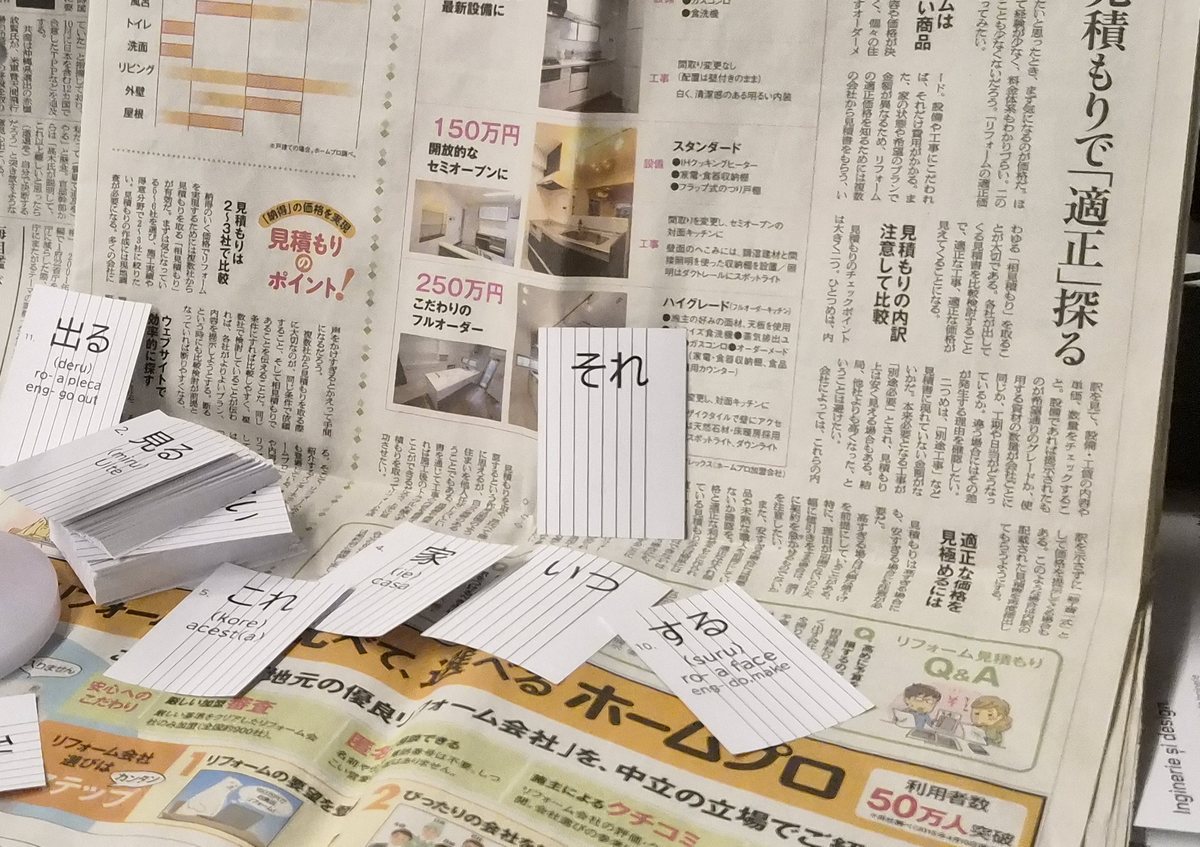
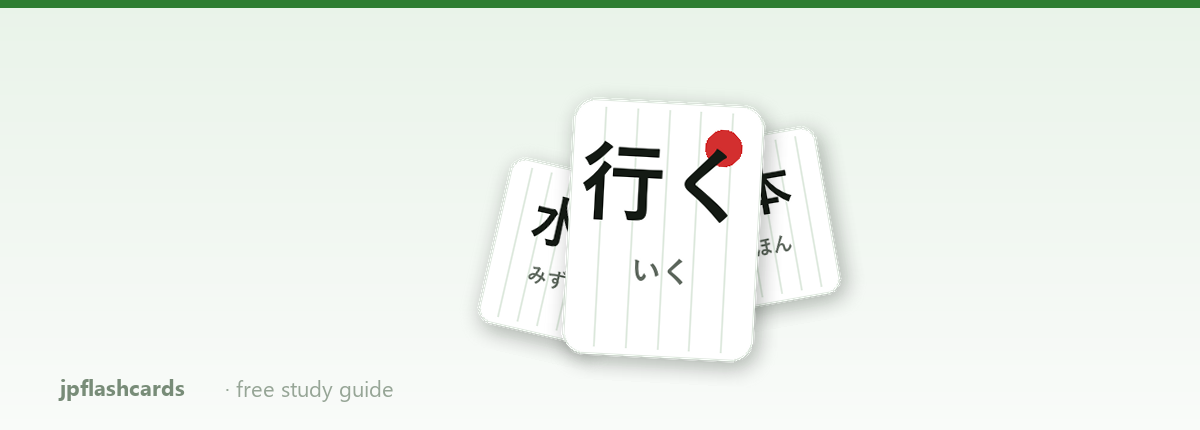
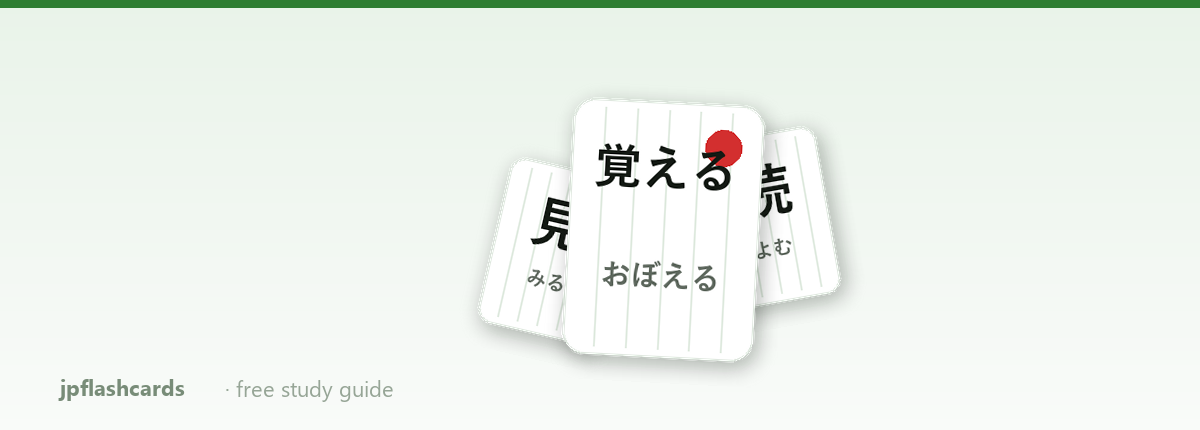
What the cards actually look like
📘 Study guides
📖 Browse all 1000 words
Frequently asked questions
Is this tool really free?
Yes — no account, no payment, no limits. Everything runs in your browser: the cards are generated locally and sent straight to your printer. Nothing you type is uploaded anywhere.
What cards or paper should I use?
Blank card stock cut to 74 × 52 mm works best (around 160–250 g/m²). You can also set any custom size to match cards you already have — most home printers accept small formats through the manual feed tray.
How does double-sided printing work?
Print all the fronts first, take the stack out without shuffling it, flip it over, put it back in the printer and print the backs. The reverse-order and 180° rotation options cover the different ways printers stack their output — test with 2-3 cards to find your printer's combination once, then it always works.
Which words are included?
The 1000 most common Japanese words: greetings, numbers, time, family, food, verbs, adjectives and everyday grammar expressions — covering most of the JLPT N5 and N4 vocabulary. Each card shows the word in kanji on the front, and the kana reading, romaji transcription and translation on the back.
Why physical flashcards instead of an app?
Writing-free, screen-free review has real advantages: no notifications, you can shuffle and sort cards by hand, carry a small deck anywhere, and studies on active recall show paper cards work just as well as spaced-repetition apps for vocabulary. The best system is the one you actually use.
Why I built this tool
In my experience, flashcards are the best method for building vocabulary — and Japanese demands vocabulary like no other language. After many years of studying and countless searches for the right tool, I never found one that did exactly what I needed: physical cards, printed at home, laid out properly. So I built it myself. I decided to publish it here, completely free, for anyone who wants to learn the same way: choose your words, hit print, and the cards come out ready — kanji on the front, reading and translation on the back. It helped me enormously; I hope it helps you too.
I hope you find it useful. Happy studying! 🎌
About this Japanese flashcards tool
This is a free printable Japanese flashcards generator. It contains the 1000 most common Japanese words — from greetings and numbers to verbs, adjectives and grammar expressions — and turns them into vocabulary cards you can print at home on any printer.
Each card shows the word in kanji on the front (or kana, where the word is usually written without kanji), and on the back: the hiragana/katakana reading, the romaji transcription and the English translation. You can choose which range of words to print (for example 50 to 100), the card size (default 74 × 52 mm), and the text size and position. Flashcards are one of the most effective vocabulary memorization techniques — also great for preparing the JLPT N5 and N4 exams, which these 1000 words largely cover.
The tool runs directly in your browser, with no installation and no account, and will always be free.
Ready to make your first deck?
🎴 Open the free tool →About · Contact · Terms · Privacy policy
© 2026 jpflashcards